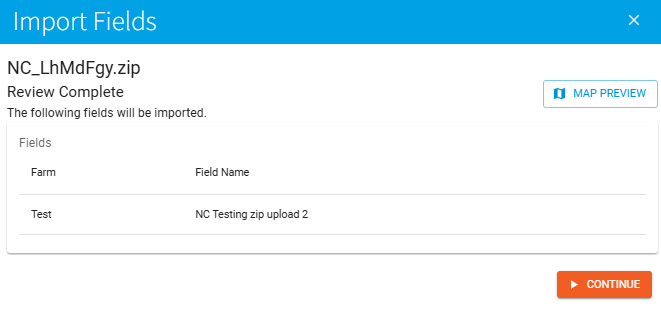
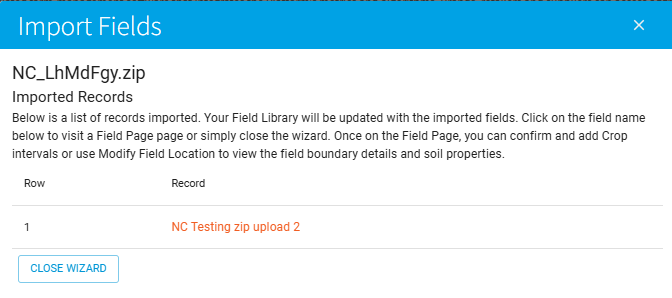
Bulk Import Fields
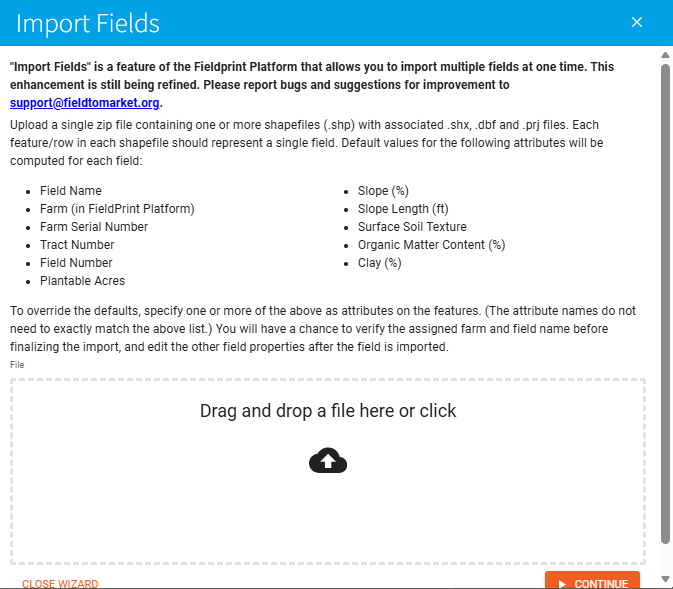
The Import Fields feature in the Fieldprint Platform allows you to create multiple fields at once by uploading spatial data. This tool is designed to save time during field setup, especially when working with large numbers of fields or when field boundaries already exist in GIS format.
How to use the tool
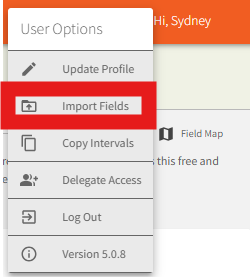
The tool can be accessed in the user option menu.

To use the Import Fields feature, you will need:
- A single .zip file containing one or more shapefiles
- Each shapefile must include the following required components:
.shp.shx.dbf.prj
Each feature (row) within a shapefile should represent one individual field.
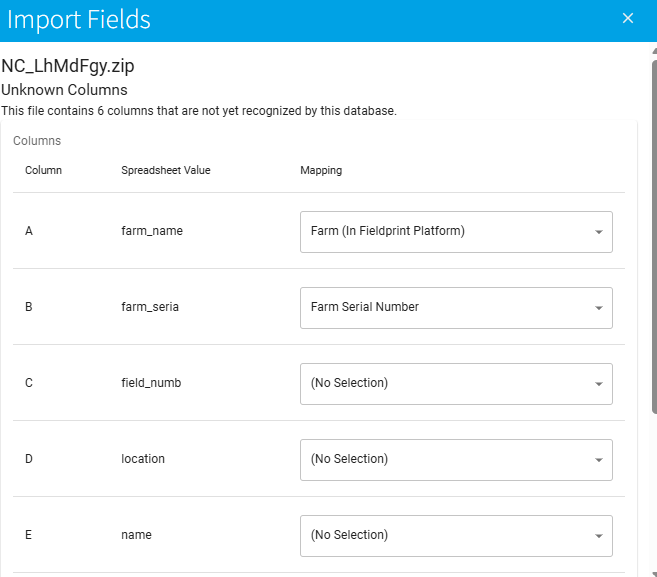
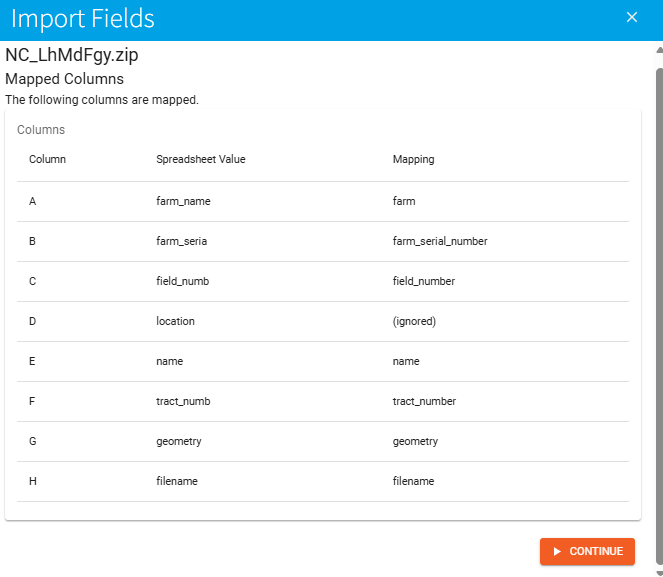
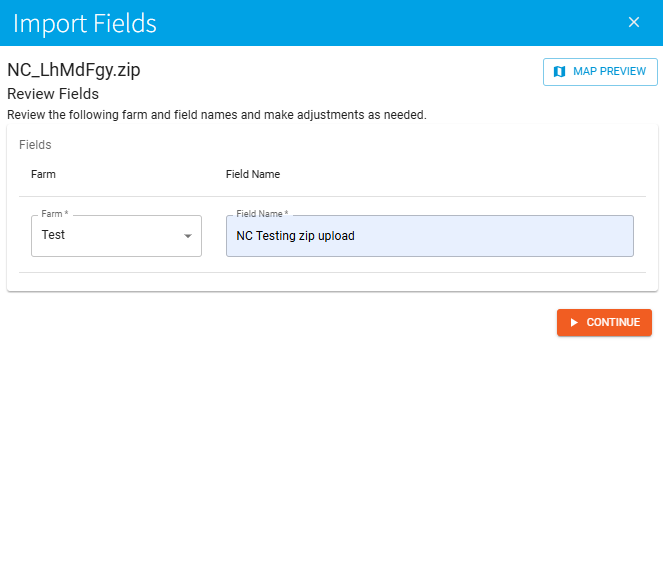
Step through the rest of the wizard, assigning attributes to the file. Verify the assigned farm and field name for each field and confirm that the fields are associated with the correct farm. After the import, all other field properties can be edited directly within the Fieldprint Platform.