Change Account Password
There are two options for changing your password.
If you are already logged in to the Platform
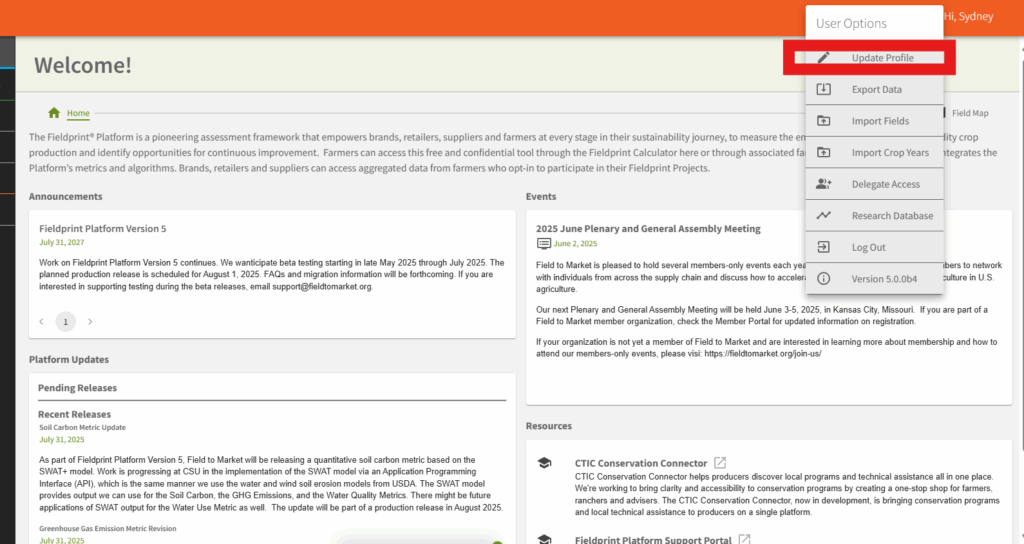
If already logged in to the Platform, access the change password form from your profile link in the upper right corner of the screen.
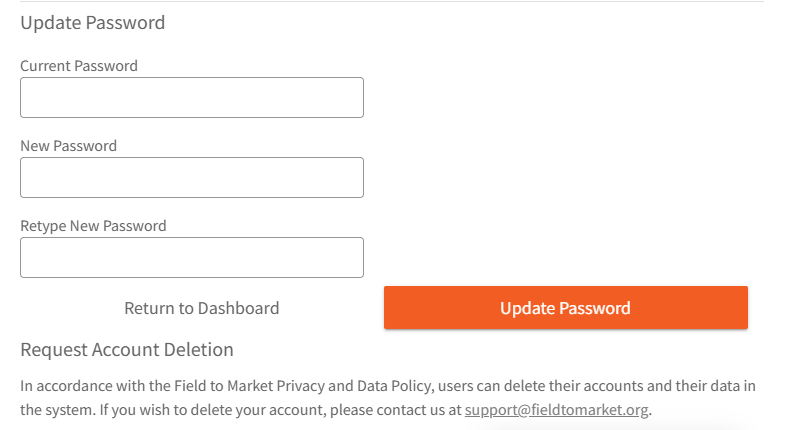
Below on the Profile page enter your current password and the new password.
If you lost your password, it can be reset from the login page
Click the login button on the Platform log in page. Below the user name and password fields, click on “Having trouble logging in?”
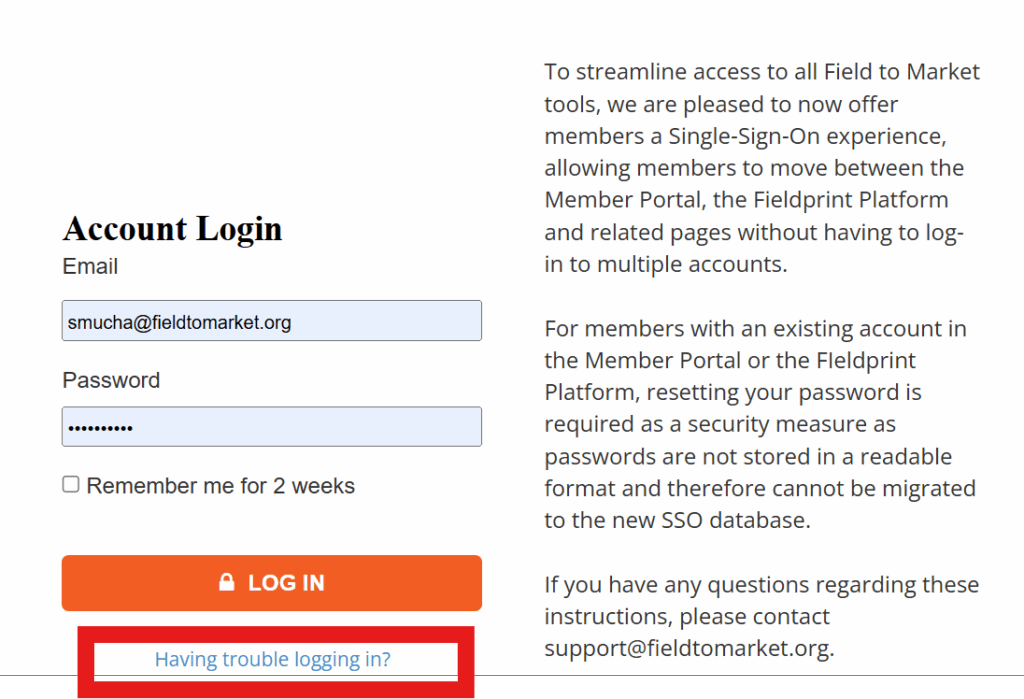
Click the “Having trouble logging in?” link to reset your password.
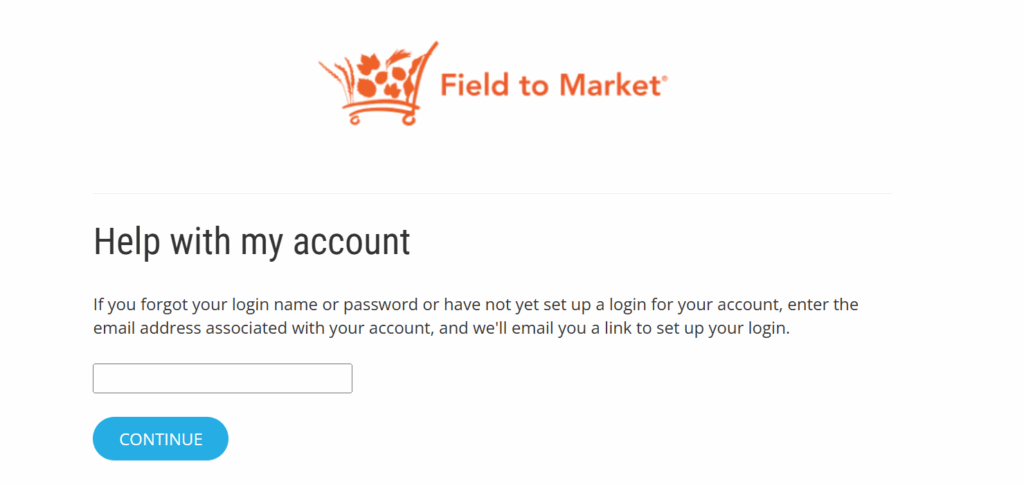
Enter your account email address to receive a link to reset your password.